
Download this worksheet (PDF)
All 10 questions on a printable A4 sheet. Free, no sign-up.
For more questions and practice, try the Brain & Bounce Kids app. 14 days free
On this page
Class 3 computer studies introduce the difference between hardware and software, storage devices, how files and folders keep work organised, step-by-step thinking (algorithms) and the basics of using the internet safely.
Here are 10 Class 3 computer questions with answers.
What Class 3 Computer covers
Brain & Bounce Kids splits Class 3 Computer into these 10 topics. Linked topics have their own practice set.
- Computer Basics (Revision)
- Hardware & Software
- Input, Output & Storage Devices
- Files & Folders (Basic)
- Introduction to Coding
- Algorithms (Step-by-Step Thinking)
- Patterns & Sequences
- Logical Thinking & Flow
- Block-Based Coding (Basic)
- Internet Basics & Safety
10 Class 3 Computer questions with answers
Ask your child to answer each question out loud first, then tap Show answer to check. The questions get a little harder as you go down each topic.
Hardware & Software
Q1. Which software helps a computer start and work properly?
A) Music player
B) Operating system
C) Calculator
D) Drawing program
Show answer
Answer: B) Operating system
The operating system manages the computer and its programs.
Q2. Which hardware device lets you hear sound from a computer?
A) Printer
B) Scanner
C) Speakers
D) Keyboard
Show answer
Answer: C) Speakers
Speakers play sound from the computer.
Input, Output & Storage Devices
Q3. Which device is used to type letters and numbers into a computer?
A) Monitor
B) Keyboard
C) Speaker
D) Printer
Show answer
Answer: B) Keyboard
A keyboard is an input device used for typing.
Q4. Which device prints documents on paper?
A) Scanner
B) Printer
C) Monitor
D) Webcam
Show answer
Answer: B) Printer
A printer is an output device that produces paper copies.
More practice: Class 3 Input, Output and Storage Devices Questions with Answers
Files & Folders (Basic)
Q5. Which of these is most likely to be saved as a file?
A) A drawing
B) A computer mouse
C) A monitor
D) A speaker
Show answer
Answer: A) A drawing
A drawing can be saved as a file on a computer.
Q6. Where can you keep many related files together?
A) In a folder
B) On a keyboard
C) Inside a mouse
D) On a speaker
Show answer
Answer: A) In a folder
A folder is used to organize related files.
Algorithms (Step-by-Step Thinking)
Q7. What is an algorithm?
A) A computer game
B) A step-by-step set of instructions
C) A type of keyboard
D) A picture
Show answer
Answer: B) A step-by-step set of instructions
An algorithm is a sequence of steps to solve a problem.
Q8. If you want to make a sandwich, what should you do before eating it?
A) Wash the plate after eating
B) Prepare the sandwich
C) Throw away the bread
D) Put it in the sink
Show answer
Answer: B) Prepare the sandwich
You must prepare the sandwich before eating it.
More practice: Class 3 Algorithm Questions with Answers
Internet Basics & Safety
Q9. Which of these is personal information?
A) Your favorite game
B) Your first name only
C) Your home address
D) Your favorite fruit
Show answer
Answer: C) Your home address
A home address is private personal information.
Q10. What should you do before downloading a file from the Internet?
A) Download it without asking
B) Ask a trusted adult
C) Turn off the computer
D) Share it with friends
Show answer
Answer: B) Ask a trusted adult
A trusted adult can check if the download is safe.
How to help your child with Class 3 Computer
- Name things as you use them. Point out the keyboard, the monitor, a folder or the address bar when your child is at a computer or phone.
- Turn routines into algorithms. Ask your child to give step-by-step instructions for brushing teeth or making a sandwich, in the right order.
- Talk about safety early. Never sharing passwords or personal details is the most useful computer lesson of all.
- Try a free block-coding app together. Dragging blocks to move a character makes sequence and loops click.
Olympiad connection
Computer practice supports the NCO (National Cyber Olympiad), which tests computer basics, safe internet use and logical reasoning. See our guides: Olympiad exams for Classes 1–5 · logical reasoning practice.
More practice sets
Class 3 Maths · Class 3 Science · Class 3 English · Class 3 GK · Class 3 Reasoning · Class 2 Computer · Class 4 Computer · All practice questions
Practise more with Brain & Bounce Kids
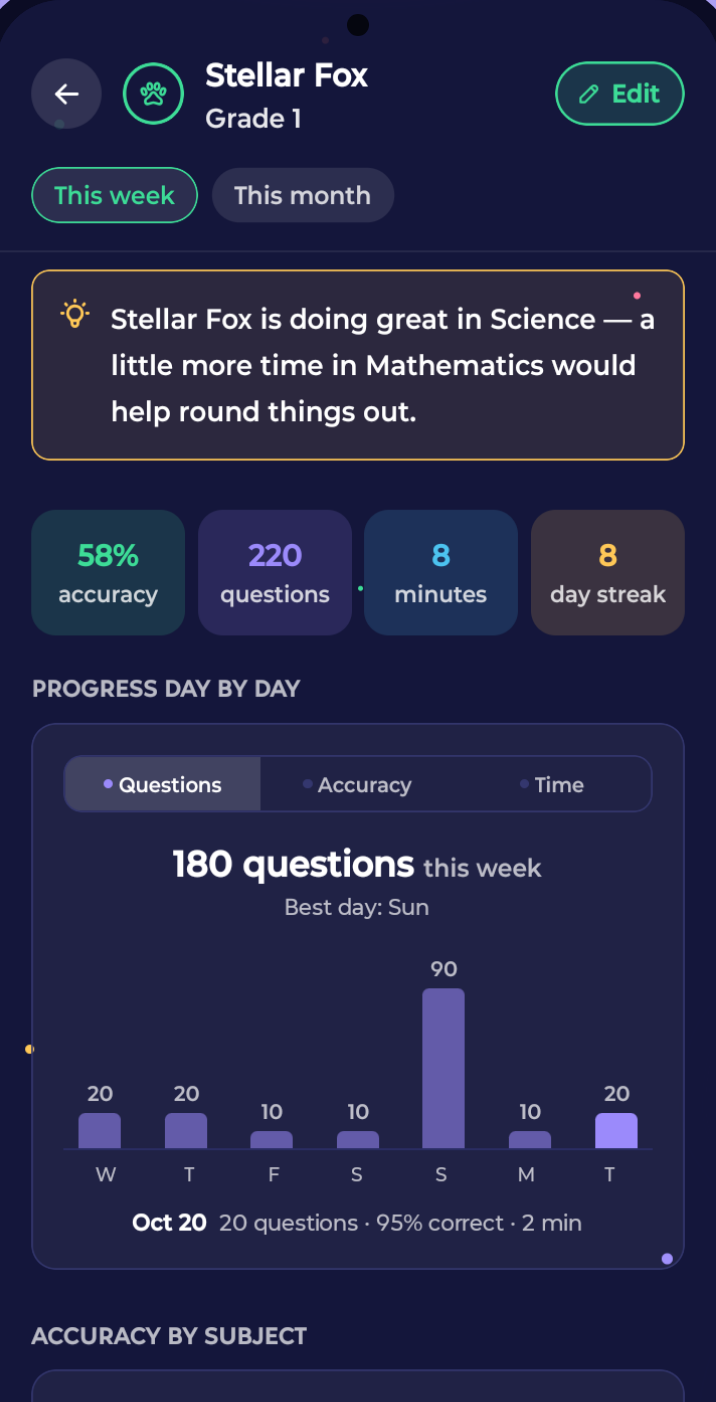
These questions come from the Brain & Bounce Kids question bank. In the app, your child gets five minutes of Computer practice a day at the right level for Class 3, an explanation after every answer, and a Parent Zone that shows which topics need work.
Frequently asked questions
- What topics are covered in Class 3 Computer?
- Brain & Bounce Kids covers 10 topics in Class 3 Computer: Computer Basics (Revision), Hardware & Software, Input, Output & Storage Devices, Files & Folders (Basic), Introduction to Coding, Algorithms (Step-by-Step Thinking), Patterns & Sequences, Logical Thinking & Flow, Block-Based Coding (Basic), Internet Basics & Safety.
- Are these Class 3 Computer questions useful for Olympiads?
- Yes. The NCO (National Cyber Olympiad) covers computer basics, internet safety and reasoning, which are the same areas practised here.
- How much Computer practice does a Class 3 child need each day?
- Five to ten minutes a day is enough for most children in Classes 1–5. Short, regular practice with an explanation after each mistake works better than a long session once a week.
- practice-questions
- class-3
- computer